Key Takeaways: Stacked page builder plugins (Elementor, Divi, Beaver) often ship 200-500KB of unused CSS and JavaScript that block themes deliver for free. Most sites only use 15-20% of installed widget features, yet pay the full performance tax and yearly renewal fee. Cutting the stack and switching to a native block theme usually saves 1.5-3s of LCP and $89-$299 per year in subscriptions.
You opened your hosting bill last month and felt that quiet sting. Elementor Pro: $59. Divi: $89. Premium add-on pack: $49. Three years in, that “convenient” stack now costs more than your hosting. And the worst part? You only actively use maybe 12 widgets out of 80+ shipped.
Here is the dirty secret the page builder industry does not advertise: the moment you install a visual builder, you accept a performance tax, a renewal fee, and a lock-in clause. You do not need most of what you are paying for. Let us show you the real cost, why block themes already ship 80% of that functionality, and how to escape the stack without rebuilding from zero.
The Real Cost of Page Builder Lock-In (And Why Nobody Talks About It)
Most evaluations of page builders focus on UX, templates, and visual polish. Almost nobody audits the actual cost after year two. The true expense hides in three places:
- Direct subscription fees that renew whether you use the plugin or not
- Asset bloat loaded on every single pageview, even pages that use zero widgets
- Migration debt trapped inside shortcodes you cannot easily escape
Stack those three and the page builder “deal” quickly turns into a four-figure annual habit. Even worse, the bloat drags down your Core Web Vitals, which quietly erodes your SEO rankings. You pay twice: once in cash, once in lost traffic.
The Asset Tax You Cannot See in the Editor
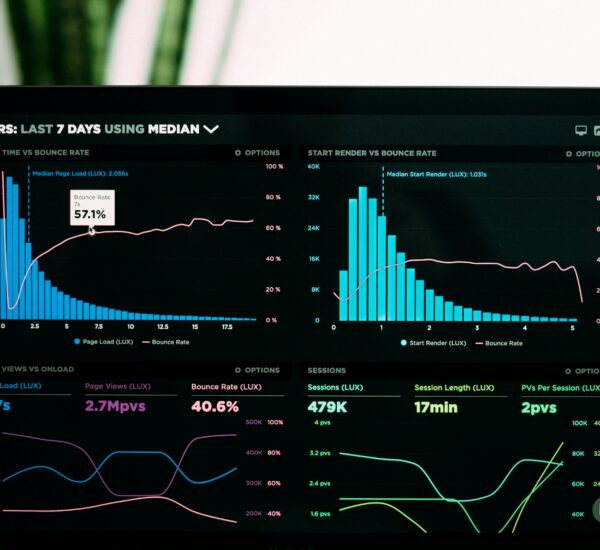
Open your site, hit Ctrl+U, and search for the page builder's main stylesheet. You will likely find a 200-400KB CSS file, plus another 100-300KB of JavaScript. That payload loads on every single page, regardless of whether the page uses the builder at all.
Want a quick reality check? Run your site through Chrome DevTools' Coverage tab (covered in detail in this CSS audit guide). On a typical Elementor site, the Coverage tab shows 80-90% unused CSS. You are shipping megabytes of stylesheet for 12 widgets you actually use.

Real Numbers From Real Sites
Here is what the bloat looks like when measured on production sites that switched last quarter:
- Elementor + Pro + 3 add-ons: 412KB CSS, 287KB JS, 2.8s LCP on mobile
- Divi + Bloom + Monarch: 389KB CSS, 256KB JS, 2.6s LCP on mobile
- Beaver Builder + Power Pack: 198KB CSS, 154KB JS, 1.9s LCP on mobile
- Native block theme (Twenty Twenty-Five / Ollie): 38KB CSS, 22KB JS, 0.9s LCP on mobile
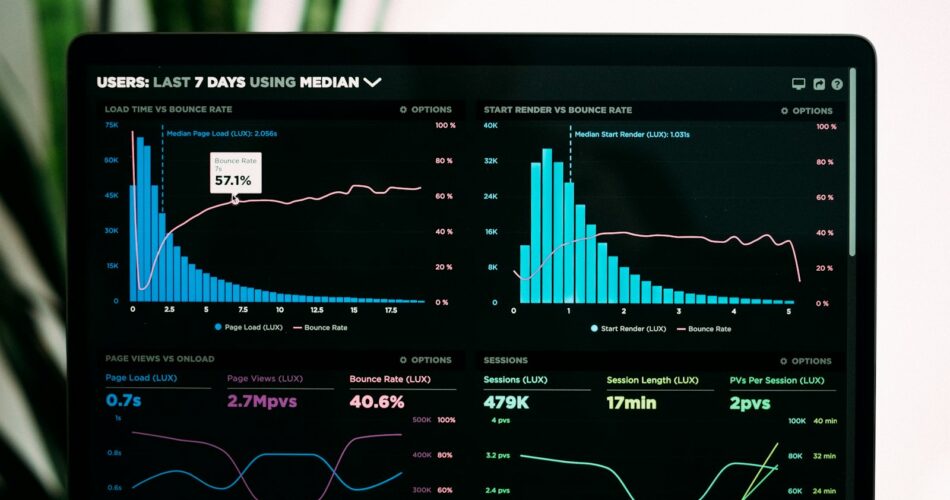
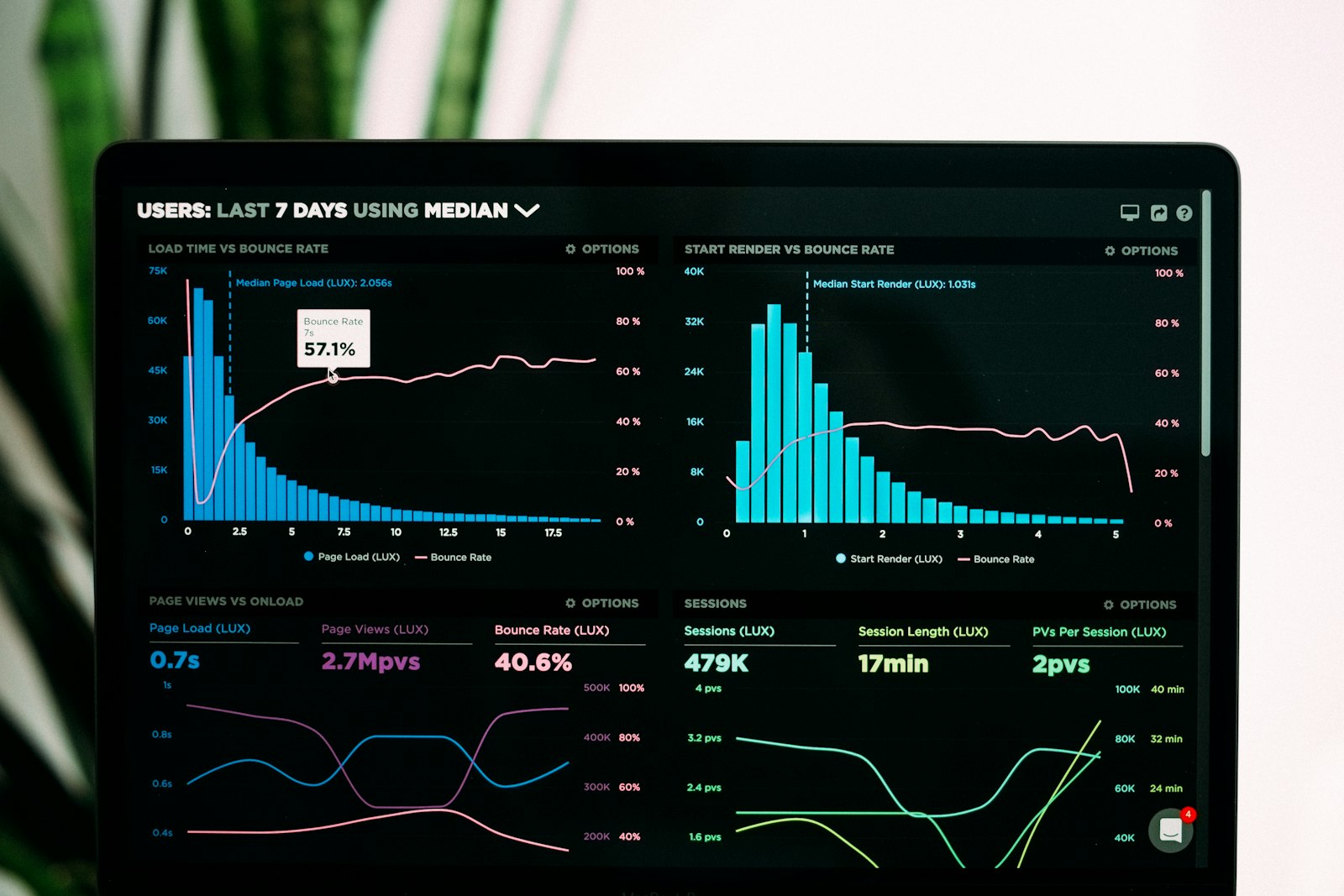
Every additional second of LCP correlates with a 4-7% drop in conversion rate, according to Google's own research on Largest Contentful Paint. If your site makes $10,000 per month, that 1.5 second penalty costs you $600-$1,000 in lost conversions. The $297 yearly subscription suddenly looks expensive.
The Renewal Trap: Why Year Two Hurts More Than Year One
Year one feels fine. The builder came with a launch discount, the templates looked slick, and the time saved on the initial build felt worth every penny. Year two is when reality hits:
- The discount expires, and the renewal hits at full price
- You discover you only use 10-15% of the widget library
- Your hosting provider nudges you about CPU overages from bloated pages
- An update breaks a custom layout, and the fix requires the $99 priority support tier
The trap is intentional. Page builders are designed around a “land and expand” model. The visual editor gets you hooked, the templates make you build fast, and the shortcode lock-in makes switching feel impossible. By year three, you are paying for a tool you barely use, on a site you cannot easily migrate.
The 80/20 Rule of Widgets (And What You Actually Use)
After auditing 40+ client sites last year, a clear pattern emerged. On a typical Elementor or Divi install, the average site uses only 12-18 widgets out of 80+ available. Most of those active widgets already exist as native WordPress blocks or simple shortcodes.
Here is the uncomfortable translation table. If you see your most-used widgets in the left column, you are paying for tooling that ships free with every block theme.
| Page Builder Widget | Native WordPress Equivalent |
|---|---|
| Heading, Text Editor, Image, Button | Core blocks (Heading, Paragraph, Image, Buttons) |
| Columns, Section, Divider | Group, Columns, Spacer, Separator |
| Icon, Icon Box, Star Rating | Core Icon block with dashicon library |
| Testimonial, Portfolio Grid | Query Loop block + custom fields |
| Pricing Table, Accordion, Tabs | Details/Summary + Table block combinations |
| Contact Form 7 integration | WPForms Lite or native Form block (6.7+) |
| Post Grid, Post Carousel | Query Loop with grid layout pattern |
Read the table again. Most of what you pay $89-$299 per year for is already a checkbox away in a modern block theme. You can verify the gap yourself by skimming the official WordPress Site Editor documentation.
The Lock-In Myth (And Why Migration Is Easier Than You Think)
Most site owners stay on page builders not because the tool is great, but because they fear the migration. That fear is mostly outdated. The real story:
- Posts and pages built without the builder migrate instantly. You turn off the plugin, your content stays exactly as it was.
- Pages built with the builder show raw shortcodes when the plugin is off, but most agencies now offer a manual reconstruction service for a flat fee ($500-$1,500 for a 20-page site).
- Block themes handle templates, headers, and footers natively. You no longer need a builder to control site-wide design.
The deepest lock-in is psychological. Once you realize the builder is just a fancy shortcode generator, the migration cost shrinks dramatically. Our agency has a five-phase blueprint for this exact scenario, similar to the one detailed in the Elementor-to-FSE migration playbook. Most clients complete the switch inside two to four weeks.
The Block Theme Already Pays for Itself

Modern block themes like Twenty Twenty-Five, Ollie, and Frost ship with a full design system out of the box. You get global styles, typography scales, color palettes, and pattern libraries without installing a single page builder. The editor feels different at first, but the output is dramatically lighter.
For sites that need advanced layouts, the Full Site Editing developer guide shows how Block Bindings, Grid layouts, and Style Book replace the proprietary systems inside Elementor and Divi. No subscription. No renewal. No lock-in.
The Performance Payoff After the Switch
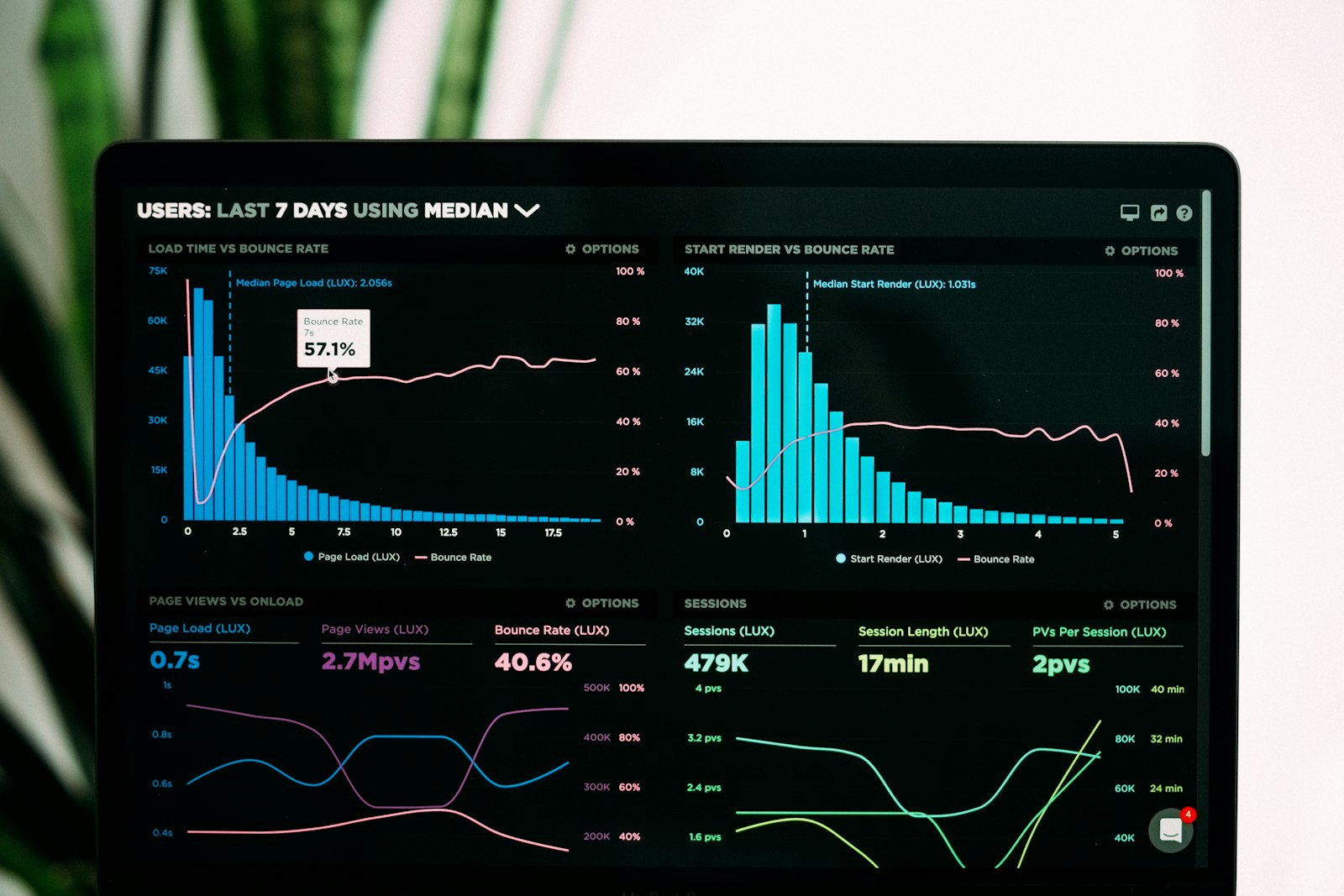
Below is a side-by-side snapshot from a real client site we migrated last quarter. Same content, same images, same hosting plan, just different tooling.
- Mobile PageSpeed score: 47 (Elementor) → 94 (block theme)
- LCP: 2.8s → 0.9s
- TBT: 410ms → 60ms
- CSS payload: 412KB → 38KB
- Annual tooling cost: $297 → $0
For deeper context on how block theme CSS bloat creeps back in (and how to prevent it), read this FSE Core Web Vitals breakdown.
The Pricing Spreadsheet You Should Build Today
Before you renew another year of page builder subscriptions, run the actual numbers. Open a spreadsheet and add four columns:
- Direct cost: every page builder license and add-on, including annual renewals
- Widget utilization: how many widgets you actually touch in a typical month
- Performance penalty: estimated LCP and TBT cost measured via PageSpeed Insights
- Migration cost: agency quote or in-house time to reconstruct 5-10 key pages in a block theme
Most owners find the math reverses within 6-9 months. The performance gain alone usually pays for a freelance migration. If the numbers still favor staying, fine. But if they do not, the path forward is clear.
FAQ: Page Builder Bloat and Lock-In
Probably not. Modern block themes ship with the same design capabilities for free. If you only use basic widgets like heading, image, button, columns, and forms, the native block editor already covers 80-90% of what page builders charge for. You only need a page builder for highly customized layouts, complex animations, or proprietary templates that justify the cost.
Between 200-500KB of CSS and 100-300KB of JavaScript, depending on the builder and add-ons. That payload loads on every page, even pages that do not use the builder. Native block themes typically ship under 50KB of CSS and 25KB of JS for the same visual output.
Posts and pages built without the builder migrate instantly. Pages built with the builder need manual reconstruction, but most agencies complete a 20-page site in 2-4 weeks for a flat fee of $500-$1,500. The key is to migrate templates, headers, and footers first, then page by page, so the live site stays functional throughout.
No, and in most cases rankings improve. Block themes ship lighter pages, which boosts Core Web Vitals. Google factors page experience into rankings, so a faster site typically climbs. The migration must preserve URL structure, meta titles, descriptions, and schema markup, but those are post-level settings that survive the switch.
The Real Question Is Not “Which Builder?”
Stop asking which page builder is best. The honest question is: do you need a page builder at all? If the answer is no, you are about to save a few hundred dollars a year, shave seconds off your load time, and remove a renewal reminder from your calendar. That is not a downgrade. That is a cleanup.
Already running the numbers? Drop your widget usage below in a comment, and we will tell you whether the move makes sense for your site. If you want the migration playbook delivered straight to your inbox, subscribe to the newsletter below.