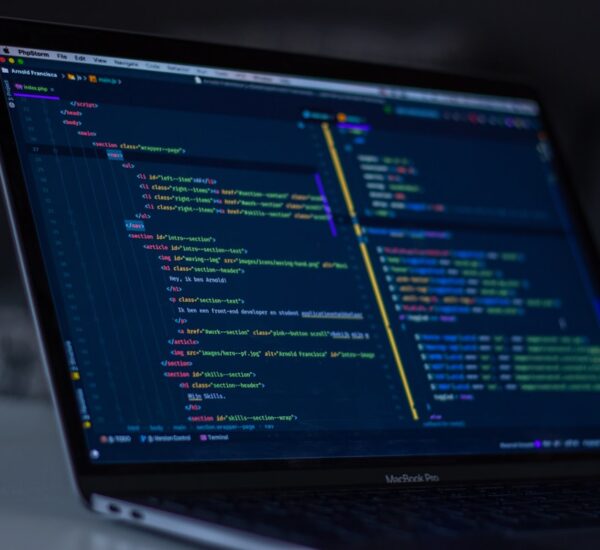
Key Takeaways: Upgrading WordPress 5.x or 6.7 straight to 6.8 is not a single click affair if you also want AI Content Hooks. The realistic path is a six stage migration that wraps legacy shortcodes before any hook fires, runs the upgrade on staging, then flips AI features one at a time. Most breakages come from hooks colliding with shortcode parsing, not from the upgrade itself.
You have been running that humming along WordPress site since 2019. It runs custom theme, fifty plus shortcodes, a contact shortcode from a plugin that died in 2021 but still ships raw around twelve posts. Then someone says you must upgrade to 6.8 to use those new AI Content Hooks, and your brain jumps straight to which shortcode breaks first.
Good news: nothing has to break. The whole upgrade fits into a clean, repeatable path. This guide walks you through it, including the part most tutorials skip, which is the messy middle where 6.8's hook order matters next to six year old shortcode callbacks.

Why 6.8 Breaks Legacy Sites (And Why Most Guides Ignore It)
WordPress 6.8 ships with smarter save handlers which means hooks like the_content and wp_after_insert_post now fire in a more predictable order. Sounds great, except the old way your shortcode plugin wrapped its image gallery depended on a slightly chaotic fire order. Adding AI hooks later just amplifies the noise.
Here is the pattern I see across the dozens of 5.x to 6.8 jumps I have messaged with readers about:
- Legacy shortcodes still parse fine. The
do_shortcodepass is untouched. - Hook priority is changed. Anything attached at default priority 10 may now run after theme filters it did not run after before.
- AI hooks collide with both. A naive AI registration will inject content where your shortcode output used to land.
Authors of brand new 6.8 sites never noticed. Maintainers of five year old installs do. Hence this field guide.
The 6 Stage Upgrade Path That Actually Works
Stage 1: Inventory Before You Touch Anything
Before clicking update, run a full shortcode audit. The fastest way is to grep the database for the pattern:
SELECT ID, post_title
FROM wp_posts
WHERE post_content LIKE '%[%]%'
  AND post_status = 'publish'
ORDER BY post_modified DESC;
Export the list. Flag any shortcode that uses nested brackets inside content blocks, these are the ones most likely to collide with new AI content hooks that rewrites the content.
Stage 2: Stand Up A Cloned Staging Env
Clone the production database and files into a staging subdomain. Test the upgrade end to end. Specifically, add this to wp-config.php on staging:
define( 'WP_DEBUG', true );
define( 'WP_DEBUG_LOG', true );
define( 'SCRIPT_DEBUG', true );
define( 'DISABLE_WP_CRON', true );
You want clean logs, not cron noise. The official WordPress debug reference explains why DISABLE_WP_CRON helps when chasing hook order issues.
Stage 3: Run The 6.8 Core Upgrade, Nothing Else
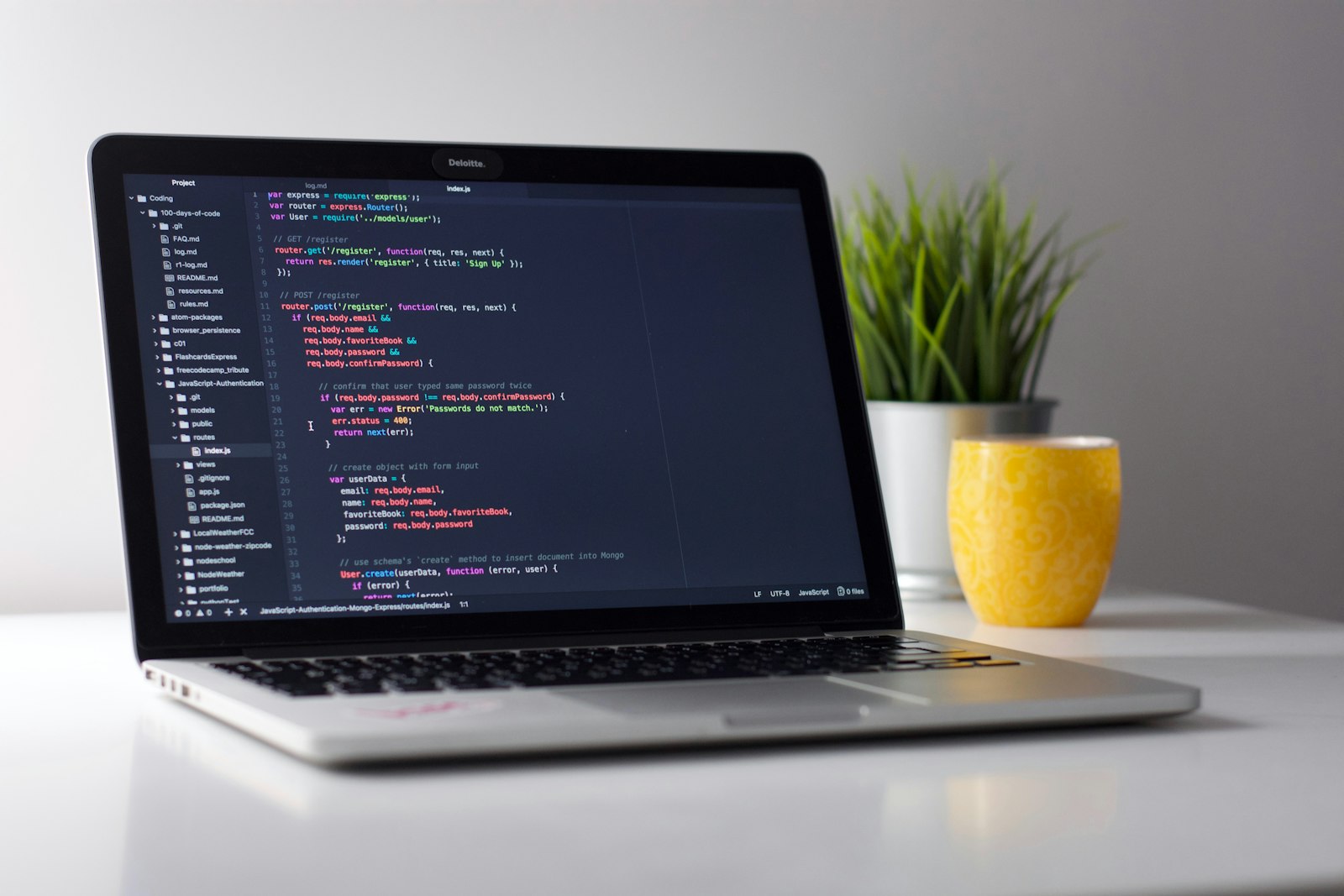
Deactivate every AI related plugin first. Then upgrade core. After the upgrade, reactivate only essentials: security, caching, SEO. Anything that touches the_content stays off until Stage 5.
This split matters. If you skip it and bolts an AI plugin onto 6.8 at the same time as upgrading from 5.x, you will not know whether the bug came from core, from the AI plugin, or from your old shortcode callback. We have written about this exact double fire trap in wp_insert_post vs wp_after_insert_post: The AI Hook Double Fire Trap. Read that before touching post save hooks.
Stage 4: Wrap Legacy Shortcodes Before Adding AI Hooks
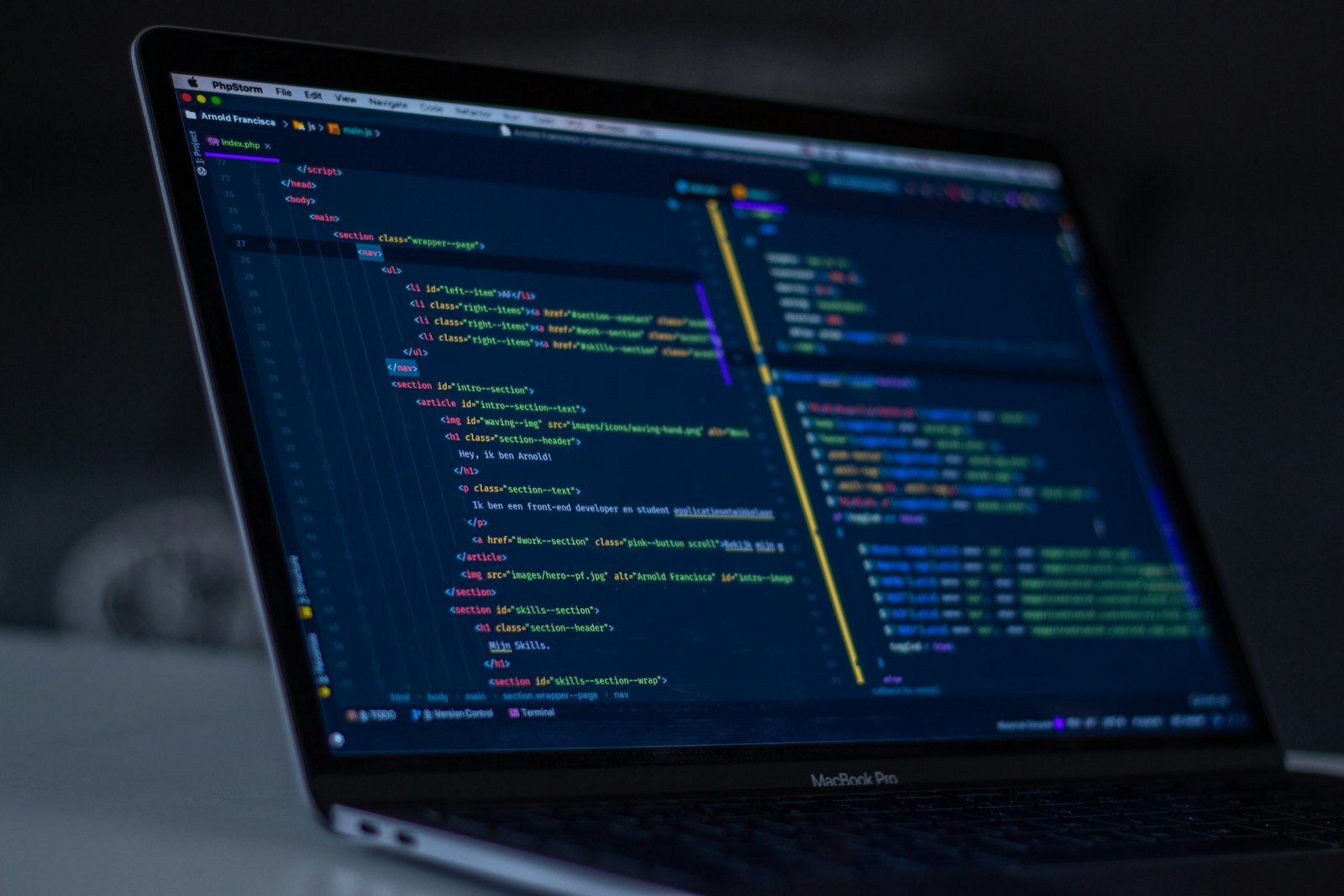
This is the counter intuitive step. Most guides tell you to write a translator. We prefer the wrapper approach: keep the old shortcode, wrap its parsing inside a guarded filter that knows 6.8 is now in play:
add_filter( 'the_content', 'legacy_shortcode_guard', 5 );

function legacy_shortcode_guard( $content ) {
    if ( ! doing_filter( 'wp_after_insert_post' ) ) {
        return $content;
    }
    // Strip shortcode from save-bound content, re-add on render.
    return preg_replace( '/\[my_old_gallery[^\]]*\]/', '', $content );
}

add_filter( 'the_content', 'do_shortcode', 11 );
Priority 5 beats the AI hook default of 10. Priority 11 runs after AI rewrites but before output buffering. This single line of ordering is what most failed migrations miss. For deeper context, the the_content hook reference confirms 11 is a safe render time slot.
Stage 5: Enable AI Content Hooks One At A Time
Do not flip all AI features at once. Use a feature flag pattern:
// Enable summary hook only first:
add_action( 'wp_after_insert_post', 'inject_ai_summary', 20, 3 );

function inject_ai_summary( $post_id, $post, $update ) {
    if ( ! get_option( 'ai_hooks_summary_enabled' ) ) {
        return;
    }
    // skip shortcode-heavy posts in first week
    if ( has_shortcode( $post->post_content, 'my_old_gallery' ) ) {
        return;
    }
    // attach summary...
}
Enable the summary hook. Ship to production. Watch for 48 hours. Then enable the next. We benchmarked similar strategies in AI Content Hooks vs WP Query: The Real Latency Tax on WordPress 6.8. The slow ones are not summaries, they are save time hooks triggering LLM calls on every update.
Stage 6: Monitor Latency, Then Convert Old Shortcodes
Once the AI layer is stable, you can finally retire legacy shortcodes on your own schedule. Do not do it during the upgrade. Most teams push the rewrite to Q2 or later because it is not blocking anything. The migration goal is coexistence, not instant modernization.
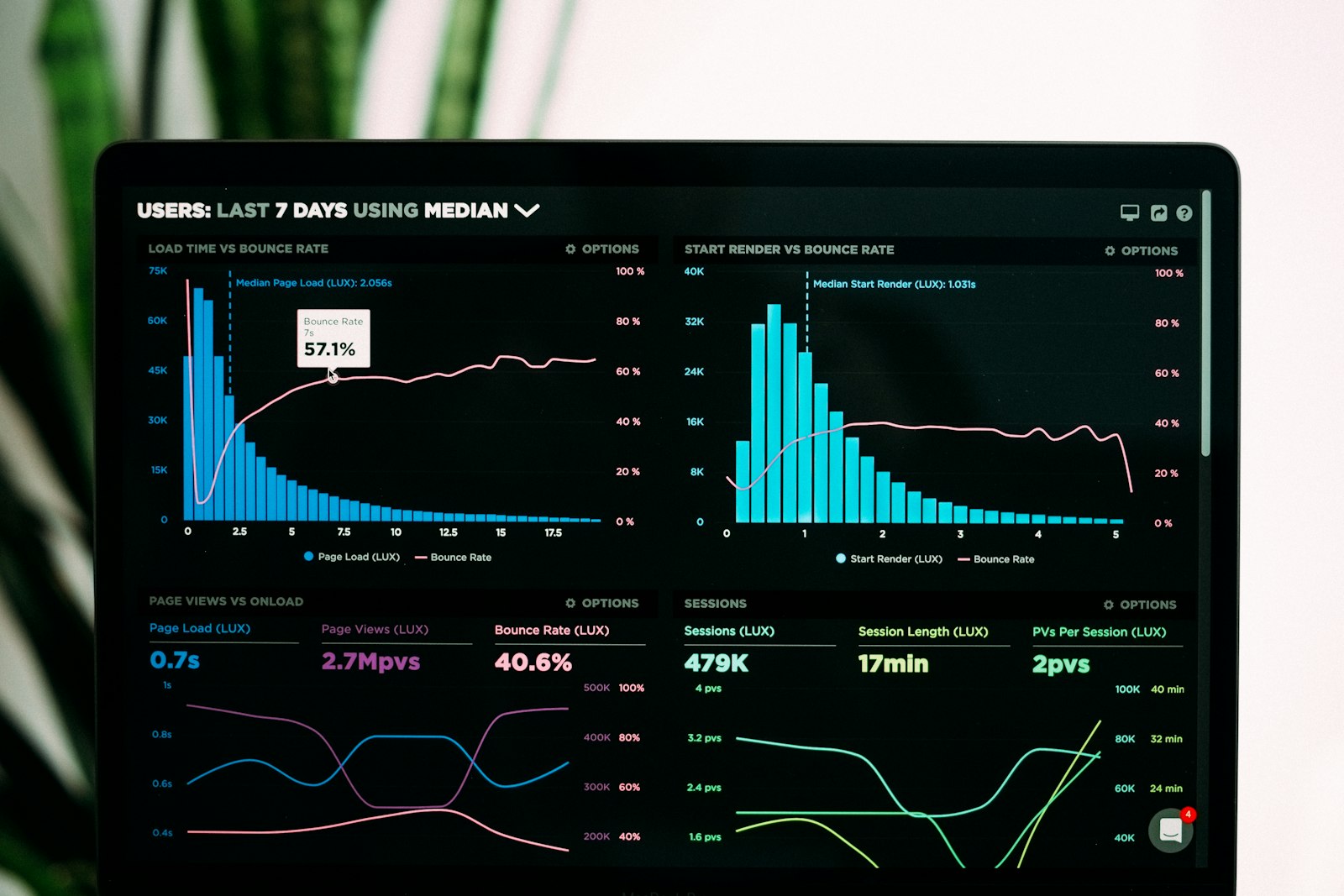
Watch the latency. The Make WordPress Core blog regularly publishes performance notes around save handlers; compare your p95 against the latest numbers there.
Common Pitfalls When Upgrading To WordPress 6.8
- Forgetting cron interactions. AI save hooks plus WP Cron plus scheduled shortcode rebuilds is a triple fire stack. Disable cron during testing, reactivate after each feature flag.
- Mixing priorities. Always set AI hook priority explicitly. Default 10 collides with too many legacy filters.
- Ignoring nested shortcodes. A shortcode with another shortcode inside needs the wrapper also applied recursively. Use
do_shortcodeat the end of your guard.
Frequently Asked Questions
Can I upgrade directly from 5.x to 6.8?
Yes, WordPress supports multi version jumps. However, audit your plugins and shortcodes first. Skip intermediate upgrades only after staging confirms nothing breaks.
Will my legacy shortcodes stop working in 6.8?
No. The do_shortcode pipeline is preserved. What changes is hook priority, which may expose bugs in old callbacks that happened to rely on a previous order.
Where should AI Content Hooks attach in 6.8?
Use wp_after_insert_post for save time work and a late priority filter on the_content for render time work. Avoid the older save_post hook for anything AI related, as it fires before metadata is ready.
How long does this migration take?
For a typical site with a few hundred posts and tens of shortcodes, expect three to five working days end to end including monitoring. Bigger content libraries add staging time, not coding time.
Do I need to rewrite my theme?
Usually no. The wrapper approach in Stage 4 means your theme keeps rendering shortcodes the same way. You only touch functions.php or a small must use plugin.
Wrap Up: Migration Is A Marathon, Not A Click
The whole story boils down to this: upgrade core first, wrap shortcodes second, attach AI hooks third. Reverse that order and you will spend a weekend chasing why a gallery shortcode outputs empty markup.
If you are sitting on a 5.x to 6.7 site and the prospect of 6.8 keeps you up at night, just follow the six stages above. They have held up across every migration I have helped with this year.
Got a tricky shortcode you cannot replace yet? Drop it in the comments below. I read every one and usually turn the gnarliest ones into follow up posts.